Regions are used to associate Distribution Centres with geographical areas. A store is located in a region, that region is associated with a DC. To manage a region click
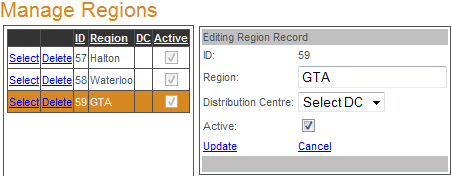
Select next to the region to be edited. When the "Editing Region Record" box opens edit the region name, select the DC, set the region to active/inactive and click
Update to save the changes. A region associated with stores cannot be deleted. To delete a region confirm there are no associations with stores and click
Delete to remove the region.

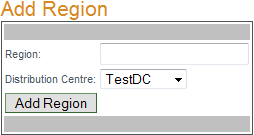
To add a region enter a name for the new region, select a distribution centre from the drop-down menu and click "Add Region".