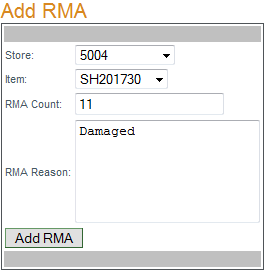
To create an RMA (Return Merchandise Authorization) select the store returning the merchandise and the item number from the corresponding drop-down menus, enter the quantity to be returned, the reason for returning the merchandise and click "Add RMA".

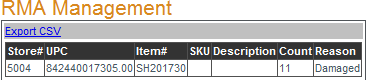
This page displays all existing RMAs. To export a detailed list click
Export CSV.