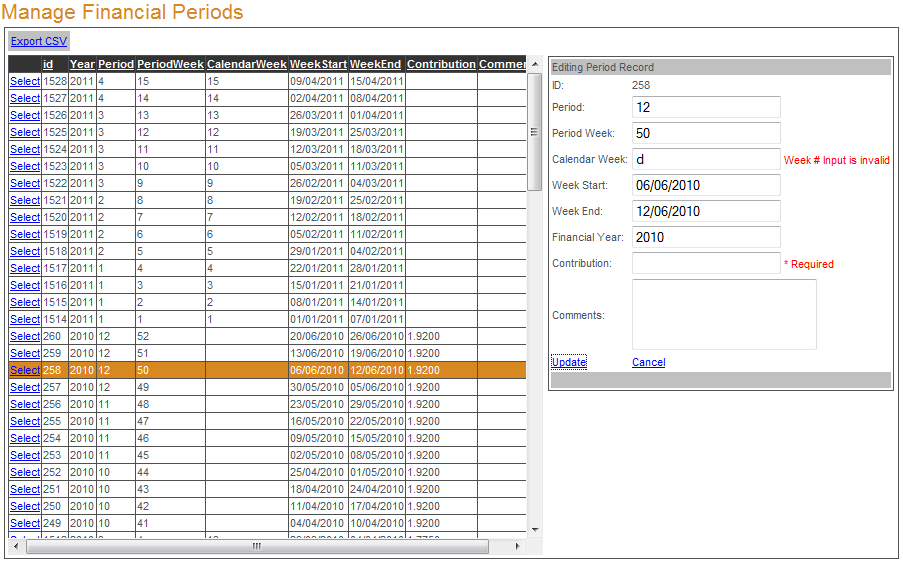
To manage a financial period click
Select next to the financial period to be edited. When the 'Editing Period Record' box opens, edit the financial period properties and click
Update to save (or
Cancel). To export a list of all financial periods click
Export CSV and save the file to your hard drive. When editing or adding financial periods all fields except Comments are required fields and accept numeric data only.

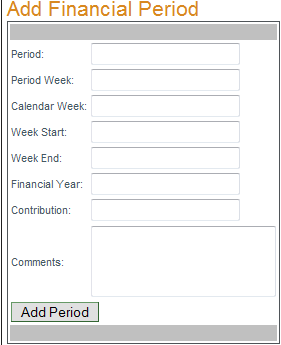
To add a financial period enter the new financial period information in the 'Add Financial Period' box and click "Add Period". All fields except Comments are required and will accept numeric data only.

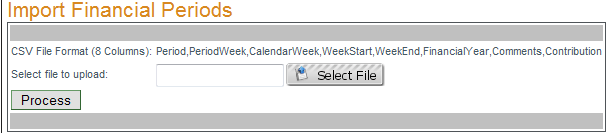
To import a list of financial periods click "Select File" and browse to the properly formatted CSV file you wish to import. Once the file has finished uploading (background turns green) click "Process". The format for this CSV is 8 columns of data: Period, PeriodWeek, CalendarWeek, WeekStart, WeekEnd, FinancialYear, Comments, Contribution (in that order).